



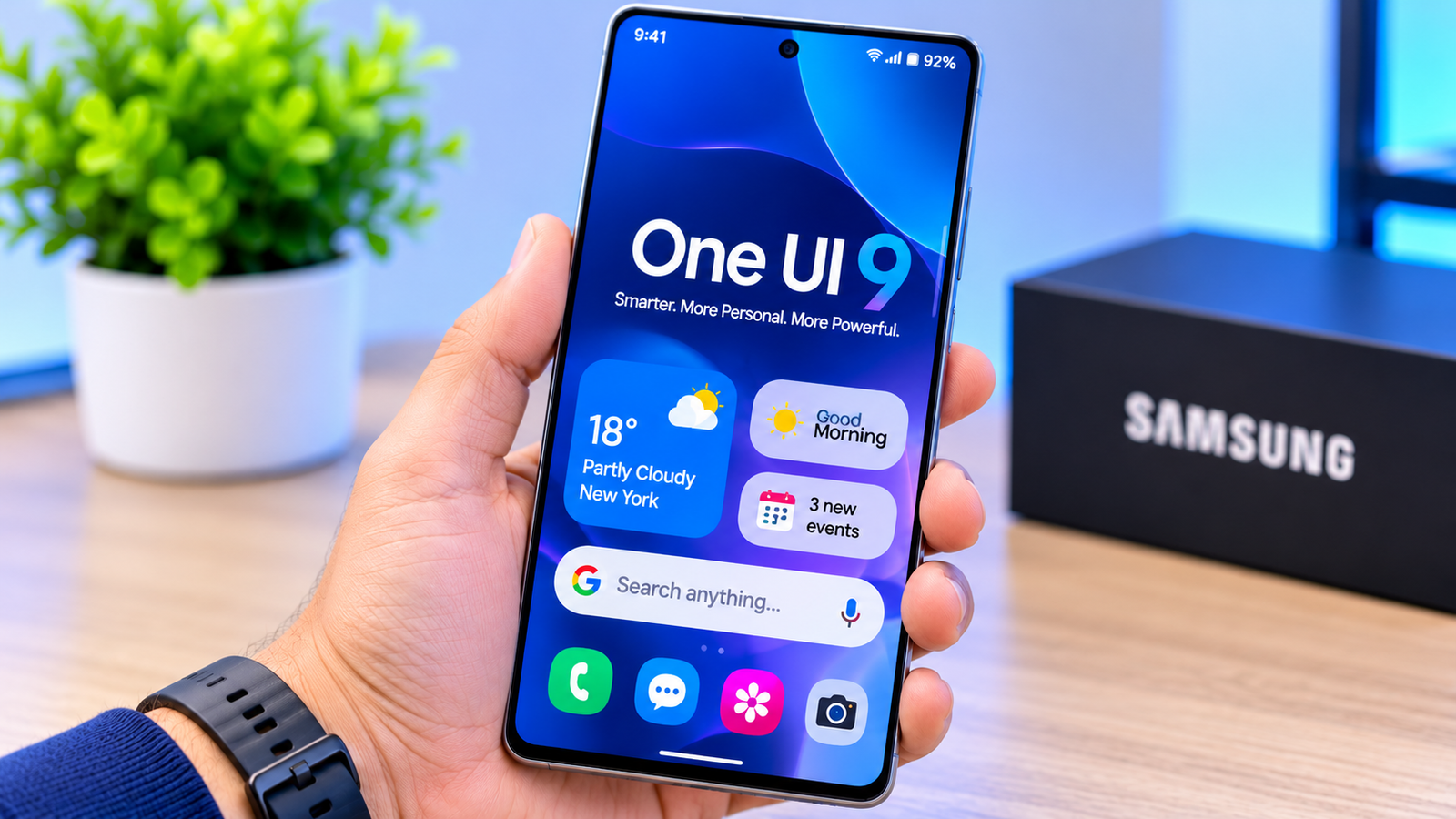


Samsung One UI 9: What Is New in the Latest Galaxy Software Update?
Samsung continues to improve its Galaxy smartphone experience with the introduction of One UI 9, its latest major software update based on Android 17. The update focuses on making Galaxy devices smarter, more personalised and easier to use, with improvements to artificial intelligence, privacy, multitasking and everyday smartphone functions.
For Samsung users, a software update is about more than a redesigned interface. It can change how a phone handles daily tasks, manages information, protects personal data and supports productivity.
One UI 9 brings several interesting improvements, particularly for users who rely on Galaxy AI, use multiple applications simultaneously or want more control over their smartphone experience.
In this guide, we explore the major features of Samsung One UI 9, supported Galaxy devices, update availability and how to check whether your phone can receive it.
1. What Is Samsung One UI 9?
One UI 9 is Samsung’s customised Android interface, designed specifically for Galaxy smartphones, tablets and other supported devices.
It is built on Android 17 and provides Samsung’s own visual design, system settings, applications, AI tools and personalisation features.
Unlike a standard Android update, One UI also includes Samsung-specific improvements that affect how users interact with their devices.
The main objectives of One UI 9 include:
- Improving the overall smartphone experience.
- Making Galaxy AI more useful in everyday activities.
- Enhancing privacy and security controls.
- Improving multitasking and application management.
- Providing additional customisation options.
- Making Galaxy devices easier to navigate.
Samsung is also adapting the interface to different device designs, particularly its foldable smartphones.
2. Major New Features in Samsung One UI 9
Here are some of the most interesting improvements introduced with the update.
Now Nudge: Smarter Suggestions at the Right Time

One of the interesting improvements is Now Nudge, which provides contextual suggestions to help users complete tasks without manually switching between multiple applications.
For example, imagine discussing a meeting with someone through a messaging application. Now Nudge can suggest checking your calendar or saving a location when the relevant information appears in the conversation.
This makes everyday activities more convenient by reducing unnecessary steps.
The objective is to make the smartphone more helpful by understanding what users are trying to accomplish.
My FanCam: Better Video Framing

Samsung introduces My FanCam as another camera-related feature.
It uses AI-assisted framing to help keep a selected person in focus during video recording. Users can adjust the framing afterwards, making it easier to create videos that focus on a particular subject.
This can be particularly useful when recording family gatherings, events, presentations and group activities.
Feature availability depends on the supported Galaxy device.
Improved Galaxy AI Experience
Artificial intelligence continues to become an important part of Samsung’s smartphone software.
One UI 9 builds on existing Galaxy AI capabilities, with improvements to the overall experience and more useful interactions.
Depending on the device and supported services, users can benefit from improvements involving:
- AI-assisted photo editing.
- More personalised information.
- Contextual suggestions.
- Smarter everyday assistance.
- Improved interaction between applications.
Samsung’s goal is to make AI tools more practical rather than simply adding features that users rarely need.
Enhanced Photo Assist
Photo Assist makes editing pictures more convenient through AI-assisted tools.
Users on supported devices can use natural-language and voice-based editing interactions to make changes to images.
For example, someone may want to remove an unwanted object, adjust the appearance of a picture or improve its overall composition.
The idea is to make photo editing easier without requiring advanced editing knowledge.
AI editing features and their availability can differ across Galaxy models.
Improved Multitasking and Split-Screen Experience
One UI 9 also focuses on improving multitasking, especially on larger Galaxy displays.
Supported devices gain improved multi-window functionality, including two-way and three-way split-screen layouts.
This can help users work with several applications simultaneously.
For example:
- Watch a video while taking notes.
- Browse the internet while checking messages.
- View a document while using a calculator.
- Manage work applications without constantly switching screens.
These improvements are particularly useful for Galaxy Z Fold users, although supported multitasking features depend on the device.
3. Privacy and Security Improvements
Smartphone security is becoming increasingly important because people use their devices for banking, shopping, communication and storing personal information.
One UI 9 introduces additional security and privacy-related improvements designed to give users better visibility into potential risks.
Privacy Alerts
Privacy-related alerts help users identify potentially suspicious activity and understand possible risks involving applications and permissions.
This gives users another way to monitor how applications interact with sensitive information.
Security Brief
Security Brief brings relevant security information into a more accessible experience.
It can help users identify warnings involving suspicious applications, potentially risky installations and unnecessary permission requests.
Scam Detection
Samsung is also expanding scam-detection capabilities to help identify potentially suspicious communications.
Availability depends on the supported device, country, language and services.
Important: These tools provide additional protection, but they should not replace basic security practices. Users should still avoid suspicious links, unknown application downloads and requests for confidential information.
4. Other Useful Changes in One UI 9
Alongside the major improvements, Samsung has introduced additional usability and personalisation changes.
| Feature | What it offers |
|---|---|
| Improved Quick Panel | More flexible access to frequently used controls |
| Text Spotlight | Helps make selected text easier to read |
| Better accessibility | Additional tools for supported accessibility needs |
| Warranty and Care Hub | Easier access to device support and care information |
| Improved DeX | More flexible desktop-style window management |
| Updated media controls | Refined media playback experience |
| Enhanced customisation | More control over supported interface elements |
These smaller improvements may not receive as much attention as Galaxy AI, but they can make everyday smartphone use more convenient.
5. Which Samsung Galaxy Phones Are Eligible for One UI 9?
Samsung is distributing One UI 9 through a phased rollout.
The following Galaxy families are among the devices included in Samsung’s published upgrade information.
Galaxy S Series
- Galaxy S26, S26+ and S26 Ultra
- Galaxy S25, S25+ and S25 Ultra
- Galaxy S24, S24+ and S24 Ultra
- Galaxy S23, S23+ and S23 Ultra
- Selected Galaxy S FE models
Galaxy A Series
- Galaxy A57
- Galaxy A56
- Galaxy A55
- Galaxy A37
- Galaxy A36
- Other selected A-series models
Galaxy Z Series
- Galaxy Z Fold8
- Galaxy Z Flip8
- Galaxy Z Fold7
- Galaxy Z Flip7
- Galaxy Z Fold6
- Galaxy Z Flip6
- Selected older foldable models
This is not a guarantee that every model listed has received the update in every country. Samsung’s published upgrade list and regional availability should be checked before assuming that an update is ready to install.
6. When Will One UI 9 Be Available?
Samsung introduced One UI 9 with its latest foldable devices and began expanding the software rollout to other Galaxy smartphones.
According to Samsung’s published update information, the Galaxy S26 series started receiving the upgrade in September 2026, with additional eligible devices included in subsequent rollout phases.
As of October 2026, Samsung’s regional software update information lists multiple Galaxy S23, S24, S25, A-series and Z-series models as having completed their upgrades.
However, rollout dates can vary because of:
- Country and regional software versions.
- Mobile network operator requirements.
- Device model and hardware compatibility.
- Regional firmware testing.
- Staged software distribution.
Galaxy owners in Saudi Arabia should check their own device rather than relying on an update date announced for another country.
7. How to Download and Install Samsung One UI 9
If your Galaxy smartphone is eligible, you can check for the latest software update directly from your device.
Follow these steps:
- Open Settings on your Samsung phone.
- Scroll down and select Software update.
- Tap Download and install.
- Allow your phone to check for available updates.
- If One UI 9 is available, follow the instructions to download and install it.
- Restart your device if required.
Before installing a major software update, consider the following precautions:
- Back up your important photos, videos and documents.
- Keep your battery sufficiently charged.
- Connect to a reliable Wi-Fi network.
- Make sure you have enough available storage.
- Avoid interrupting the installation process.
You can also consult Samsung’s official installation instructions: Samsung One UI 9 upgrade guide.
8. Is Samsung One UI 9 Worth Updating?
For users with compatible Galaxy devices, One UI 9 brings several useful improvements.
The enhanced AI experience, improved multitasking, additional privacy features and usability refinements make this update interesting for people who use their smartphones for both personal and professional activities.
However, not every feature will be available on every Galaxy smartphone.
For example, some advanced camera and AI functions may require newer hardware. Older devices may receive the main software update without supporting every new feature.
It is also sensible to wait for a stable regional release rather than installing unofficial firmware.
Frequently Asked Questions About Samsung One UI 9
Q1. Is Samsung One UI 9 based on Android 17?
Yes. Samsung One UI 9 is based on Android 17 and includes Samsung-specific interface improvements and features.
Q2. Will Samsung Galaxy A56 receive One UI 9?
The Galaxy A56 is included in Samsung’s published One UI 9 upgrade information. However, availability depends on the country and device variant.
Q3. Will Samsung Galaxy S23 receive One UI 9?
Yes. The Galaxy S23 series is included in Samsung’s published upgrade information.
Q4. How can I check whether One UI 9 is available in Saudi Arabia?
Open Settings, select Software update and tap Download and install. Your phone will check whether the update is available for your particular model and regional software version.
Q5. Does One UI 9 improve Galaxy AI?
Yes. One UI 9 introduces improvements to the Galaxy AI experience, including contextual assistance and supported AI-powered camera and productivity tools.
Q6. Will all One UI 9 features work on older Samsung phones?
No. Feature availability depends on hardware, software compatibility, region and supported services.
Final Thoughts
Samsung One UI 9 represents another step towards making Galaxy smartphones more intelligent, secure and convenient.
Its improvements to Galaxy AI, multitasking, camera functionality and privacy offer practical benefits for users who depend on their smartphones every day.
However, the real value of this update will depend on the Galaxy device you own and which features Samsung makes available for your particular model.
If you own a compatible Galaxy smartphone, checking for the official update is a good way to discover which improvements are available for your device.
Official Sources and Further Reading
For accurate information and future updates, TechInviter readers should consult Samsung’s official resources:
- Samsung One UI 9 – Official Features
- Samsung One UI 9 Software Upgrade Schedule
- How to Upgrade Your Galaxy Device
- What Is Samsung One UI?
Editorial note: Update schedules and feature availability can change. This article reflects information available on October 31, 2026. Check Samsung’s regional support pages for the latest compatibility information.