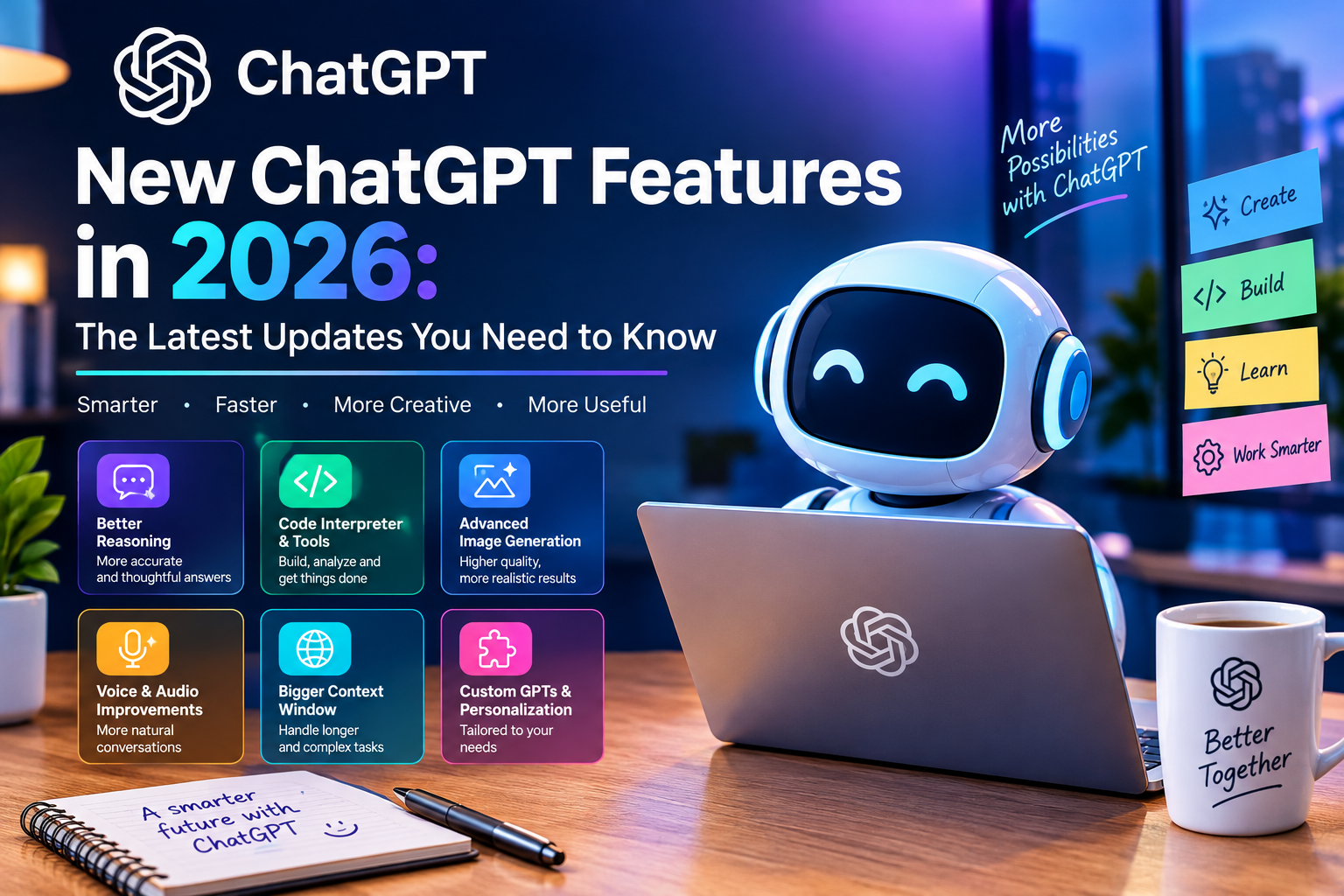
Artificial intelligence is advancing rapidly, and ChatGPT is evolving into much more than just a simple chatbot. In September 2026, OpenAI unveiled several major updates that expand ChatGPT’s capabilities in areas such as writing, imagery, voice, data analysis, productivity, and professional work.
From the introduction of GPT-6 Astra to ChatGPT for Microsoft Word and the new ChatGPT Images 2.5, these updates are designed to make AI more useful for everyday users, businesses, and professionals alike.
Below, we highlight some of the most important new features and updates for ChatGPT that you should know about.
1. GPT-6 Astra Brings More Advanced AI Capabilities
One of the most significant recent advancements is GPT-6 Astra.
OpenAI introduced GPT-6 Astra in September 2026, incorporating improvements in areas such as programming, research, computer usage, and the execution of complex, multi-step tasks.
Astra is designed to handle tasks that go beyond simple text generation. It is capable of working with documents, spreadsheets, presentations, and complex instructions, adapting as requirements change.
This represents a significant shift in how people use AI. Instead of asking ChatGPT one question after another, users can assign it broader goals and allow it to assist in completing multiple phases of a project.
OpenAI notes that GPT-6 Astra is being rolled out gradually, so availability may vary depending on the account and organization.
2. ChatGPT Is Now Available Inside Microsoft Word
One of the most practical new features is ChatGPT for Microsoft Word.
Users can now access ChatGPT directly from a sidebar within Word. This feature allows them to draft content based on notes, summarize documents, review selected text, and adjust headings and formatting.
This means users do not necessarily need to copy and paste text between Word and ChatGPT to perform many common writing tasks.
For students, writers, office staff, marketers, and business professionals, this can make AI-assisted document editing much more convenient.
OpenAI states that ChatGPT for Word is available on all ChatGPT plans, including the free tier, although usage limits still apply.
3. ChatGPT Images 2.5
AI image generation has also received a major update.
ChatGPT Images 2.5 introduces improvements such as sharper details, more precise editing, and faster image generation.
OpenAI has also introduced several new ways to create images.
Image templates
Users can start with pre-defined templates and customize details to create an image more quickly.
Turning a sketch into an image
On mobile devices, users can create a sketch and then describe what they want ChatGPT to transform it into.
This is useful for people who have a design idea but lack professional graphic design skills.
Editing and feedback
Users can open generated images and provide additional instructions to make changes.
Instead of starting from scratch, it is possible to modify an image progressively until the desired result is achieved.
Sharing image prompts
ChatGPT also allows users to share the prompt used to generate an image, enabling others to create their own version.
These features make ChatGPT increasingly useful for bloggers, social media content creators, marketers, designers, and website owners.
4. ChatGPT Voice Gets More Powerful
Voice conversations are also becoming more capable.
Recent updates allow ChatGPT’s voice feature to use more advanced models when it needs to perform searches or reason through complex questions.
Depending on their plan, users can also select the model and the level of reasoning effort using controls similar to those available for text-based conversations.
This transforms voice interaction into something more than just a simple question-and-answer experience. Users can leverage it for learning, brainstorming, research, explanations, and other conversational tasks.
Availability and usage limits vary depending on the ChatGPT plan.
5. Analyze Business Data With ChatGPT
Another key new feature is the ChatGPT Work data agent.
Instead of manually creating reports or writing complex data queries, users can ask questions about connected business data using natural language.
For example, a company might ask:
Why have sales dropped this month?
Which products are performing best?
Where are expenses rising?
Which customers are at risk?
Can you create a dashboard showing our performance?
The data agent can analyze connected data and generate interactive dashboards that can be shared with other team members.
This could make data analysis more accessible to people without advanced knowledge of SQL, spreadsheets, or business intelligence.
6. More Cloud Storage Integrations
ChatGPT’s file management capabilities are also expanding.
Recent updates have added integrations with services such as Box, Dropbox, and SharePoint—in addition to Google Drive—to ChatGPT’s library.
Once connected, users can search for and work with files from these services directly within ChatGPT, eliminating the need to upload the same documents repeatedly.
Users can also work with folders and ask ChatGPT to summarize, analyze, or compare the connected files, or to generate new content based on them.
For companies managing large volumes of documents, this can significantly streamline the process of searching for and working with information.
7. ChatGPT Is Becoming More Useful for Professional Work
OpenAI has increasingly positioned ChatGPT as a tool for completing work rather than simply answering questions.
ChatGPT Work can help users work across files, applications, and online information and produce finished materials such as documents, spreadsheets, presentations, and websites.
This changes the traditional AI workflow.
Previously, someone might ask:
“How do I create a marketing report?”
Now, the workflow can move toward:
“Analyze this information and create the marketing report.”
The difference is important. The AI is moving from providing instructions toward helping users execute multi-step tasks.
OpenAI describes ChatGPT Work as an agent that can break complex goals into smaller tasks and work toward completing them.
8. ChatGPT Is Expanding Into Business Advertising
Another recent development is OpenAI’s expansion of advertising capabilities.
OpenAI announced new AI-powered experiences for ChatGPT Ads, including Sponsored Agents and new tools designed to help businesses create advertising materials.
OpenAI also announced integrations involving HubSpot and Shopify as part of its broader advertising platform.
These developments indicate that ChatGPT is becoming an increasingly important environment not only for searching and answering questions, but also for discovering products and interacting with businesses.
9. Shopping and Product Discovery
ChatGPT has also been developing richer shopping experiences.
Users can search for products, compare different options, and receive more detailed information during a conversation.
Instead of opening multiple websites and comparing products manually, conversational shopping allows users to explain what they need and refine the requirements through follow-up questions.
For example:
“I need a lightweight laptop under $1,000 with good battery life for university.”
ChatGPT can help narrow down suitable products based on those requirements.
OpenAI has described this as part of its effort to make product discovery more visual and conversational.
10. More Connections Between ChatGPT and Other Apps
ChatGPT is increasingly becoming a central workspace for information from various applications.
Users can connect compatible services and work with data from those services directly within conversations.
This would allow for the integration of information from documents, calendars, email, cloud storage, and other business applications, rather than working in each of them separately.
For professionals, this could transform ChatGPT into an AI-powered workspace, rather than just a simple chatbot.
What Do These New ChatGPT Features Mean?
The direction ChatGPT is taking is clear: AI is moving beyond simple conversation toward AI-assisted work and task execution.
The latest updates cover several key areas:
Writing:
ChatGPT can help draft, rewrite, summarize, and format documents.
Images:
ChatGPT Images 2.5 offers faster generation, greater detail, and new editing workflows.
Voice:
Voice conversations can leverage more capable models to handle complex questions and reasoning processes.
Data:
Business users can ask questions about connected data and generate dashboards.
Files:
Integrations with cloud storage services make it easier to work with existing documents.
Productivity:
ChatGPT can increasingly assist with multi-step professional tasks.
Shopping:
Users can discover and compare products through conversational search.
Business:
OpenAI is expanding ChatGPT into advertising, commerce, and professional workflows.
Why ChatGPT is becoming more than just a chatbot
The most significant shift doesn’t necessarily lie in any single feature.
It lies in how these features work together.
A traditional chatbot is primarily limited to answering questions. Modern AI systems are increasingly designed to understand a goal, process information, use tools, create content, and help complete tasks.
Imagine a business owner saying:
“Analyze our sales data, identify products with declining sales, draft a report, and prepare a presentation for the management meeting.”
That type of workflow represents a very different approach to AI compared to simply asking for a paragraph of text.
The future of AI is increasingly focused on getting work done, not just generating answers.
Final thoughts
The latest ChatGPT updates demonstrate just how rapidly AI assistants are evolving. With GPT-6 Astra, ChatGPT Images 2.5, Microsoft Word integration, enhanced voice capabilities, data analysis tools, cloud storage connections, and increasingly powerful work agents, ChatGPT is expanding into many areas of everyday digital work.
For students, creators, professionals, businesses, and entrepreneurs, learning to use these tools effectively could become a key digital skill.
Most interestingly, the development of ChatGPT is far from over. As AI models improve their reasoning capabilities, tool usage, file comprehension, and execution of multi-step tasks, the way people interact with computers could continue to change drastically.
The era of chatbots is evolving into the era of AI assistants.