








If you use Anthropic’s Claude Code for programming, there’s a new feature you need to know about — and a new risk to understand before you install anything.
On October 1, 2026, Anthropic rolled out Claude Code Mods, a system that lets small pieces of code — written in TypeScript or JavaScript — plug directly into how the AI coding assistant thinks and acts while it’s running. It’s a genuinely useful upgrade for developers. It also comes with a blunt warning from Anthropic itself: these Mods are not sandboxed, and run with the same access to your computer as Claude Code does.
Here’s what Mods actually are, what they can do, and how to use them safely.
What Are Claude Code Mods?
Think of Claude Code’s past customization options as layers:
- Skills told the AI what to do for a specific task, but couldn’t run their own code.
- Hooks ran small scripts at specific moments, like before or after a tool call.
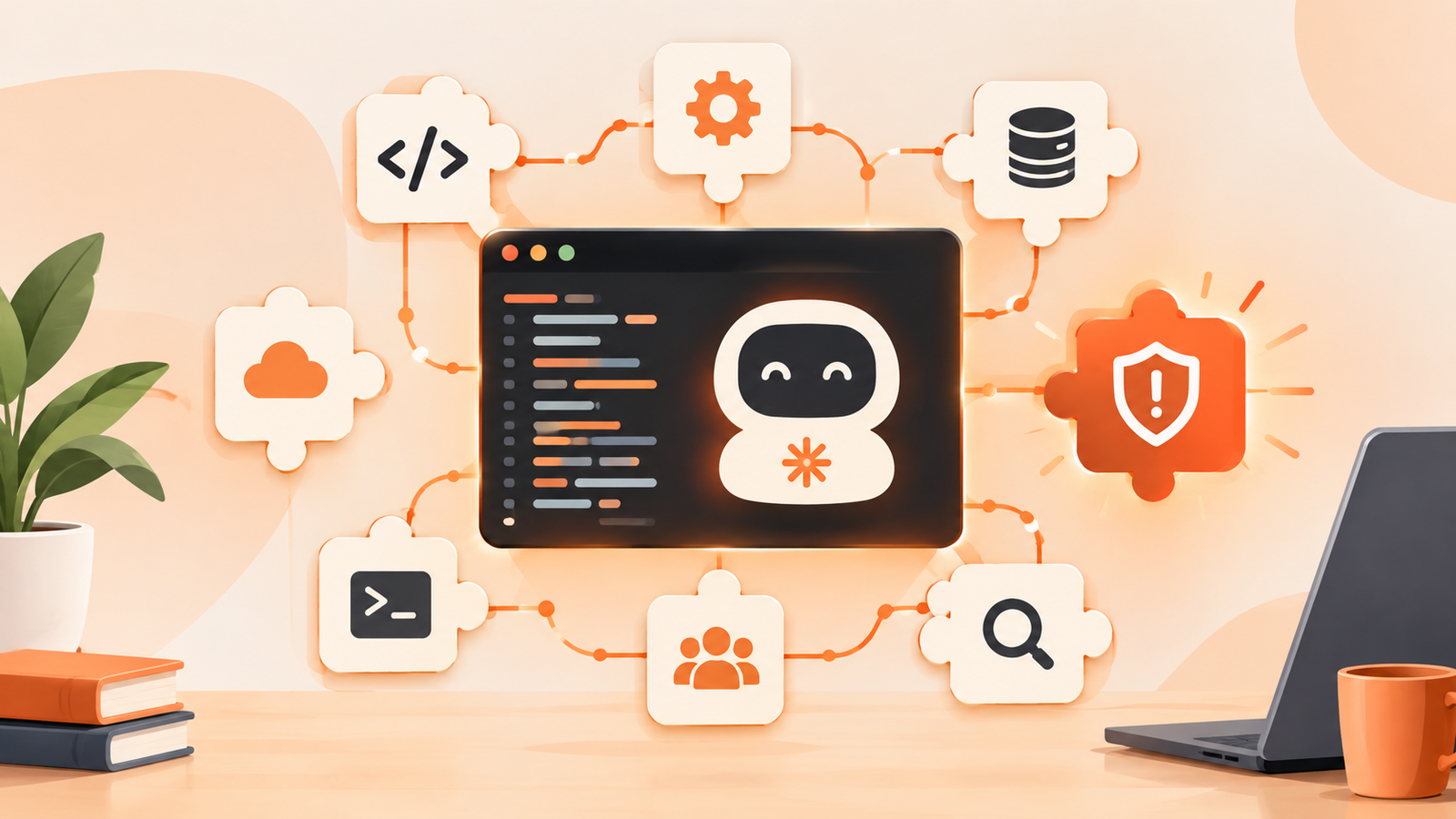
Mods add a new, more powerful layer on top of both. A Mod is a small TypeScript or JavaScript function that hooks directly into Claude Code’s internal event loop — the sequence of steps the AI goes through while completing a task. Once installed, a Mod can:
- Rewrite the AI’s prompts on the fly
- Block, approve, or retry specific tool calls before they execute
- Redact secrets or sensitive data from what the AI sees
- Replace or add custom interface elements inside the Claude Code app
- Share information across multiple hooks during a single session
In short: Mods don’t just tell Claude Code what task to do — they can change how it behaves while it’s doing it.
Anthropic Is Already Using Mods Itself
A strong signal that this isn’t an experimental side feature: Anthropic converted three of Claude Code’s own built-in capabilities — the diff pane (the code-comparison view), the AGENTS.md loader, and its internal telemetry system — into Mods at launch. That means the same system available to any developer is also running Anthropic’s own core features, which suggests the company expects Mods to become a central part of how Claude Code evolves.
Mods ship inside plugins and require Claude Code version 2.1.287 or later. They are turned on by default once installed.
The Security Trade-Off You Need to Understand
This is the part every reader should pay attention to, including non-developers who manage a dev team.
Anthropic’s own documentation is direct about it: Mods run with the same machine-level access as Claude Code itself, they are not sandboxed, and the company’s advice is to “install only sources you trust.” There is currently:
- No formal review or approval process for publicly shared Mods
- No code-signing requirement
- No built-in sandbox isolating a Mod from the rest of your system
Anthropic does provide two safety tools worth using right away:
- claude plugin validate — inspects a Mod before you install it
- –safe-mode — a flag that disables all hooks, including Mods, if something goes wrong
Independent reviewers have also pointed out that the broader Claude Code plugin ecosystem has had a measurable rate of vulnerable or poorly secured skills in the past, which is a useful reminder: a Mod is, functionally, a small program running on your computer with your permissions. Treat it the way you’d treat any other software install from a stranger on the internet.
How to Try Claude Code Mods Safely
- Update Claude Code to version 2.1.287 or later.
- Only install Mods from sources you personally trust — your own team, a well-known open-source maintainer, or Anthropic’s own first-party Mods.
- Run claude plugin validate on any third-party Mod before enabling it.
- Know your –safe-mode flag so you can instantly disable all Mods/hooks if Claude Code starts behaving unexpectedly.
- Avoid Mods that request broad file-system or network access unless you understand exactly what they do and why.
What This Means for the AI Coding Tools Race
Anthropic, OpenAI (via Codex), and Google are all racing to turn their coding assistants into extensible platforms rather than single-purpose tools — closer to how browsers have extensions or how VS Code has its marketplace. Mods is Anthropic’s clearest move yet in that direction. If the ecosystem matures the way browser extensions or VS Code plugins did, expect a wave of both genuinely useful community Mods and, inevitably, some bad actors trying to sneak malicious ones in. The lack of a review process right now is the single biggest thing to watch.
FAQ
Do I need to use Mods to keep using Claude Code? No. Mods are optional. Claude Code works exactly as before if you never install one.
Are Mods the same as Claude Code Skills? No. Skills describe tasks for the AI to perform. Mods are executable code that changes how Claude Code’s engine behaves while running.
Can a Mod see my files or secrets? Potentially, yes — because Mods run with the same system access as Claude Code itself. This is exactly why Anthropic recommends installing only trusted Mods and using claude plugin validate first.
Where do I find Mods? Mods are distributed as part of Claude Code plugins, through Anthropic’s plugin system. At launch there’s no centralized, vetted marketplace, so most discovery is happening through developer communities and GitHub.
Conclusion
Claude Code Mods is a genuinely powerful upgrade for developers who want to customize their AI coding assistant’s behavior at a deep level — but “powerful” and “unsandboxed” go hand in hand here. If you’re going to use Mods, treat every install the way you’d treat installing any unfamiliar software: check the source, use the validation tools Anthropic gives you, and keep –safe-mode in your back pocket.
SOURCES
- AI Weekly — “Anthropic Launches Claude Code Mods, TypeScript Agent Hooks” (Oct 1–2, 2026 editions)
- DEV Community — “Claude Code Mods Just Turned Agents Into a Platform”
- DEV Community — “Claude Code Mods Just Landed: First Hook, Blast Radius Guard, and Why They’re Not Sandboxed” (referencing Addy Osmani’s getting-started guide)
Anthropic’s Claude Code documentation and plugin/hooks reference