






Most people starting an online store make the same mistake. They spend weeks comparing tools and days on a logo, then wonder why nothing sells.
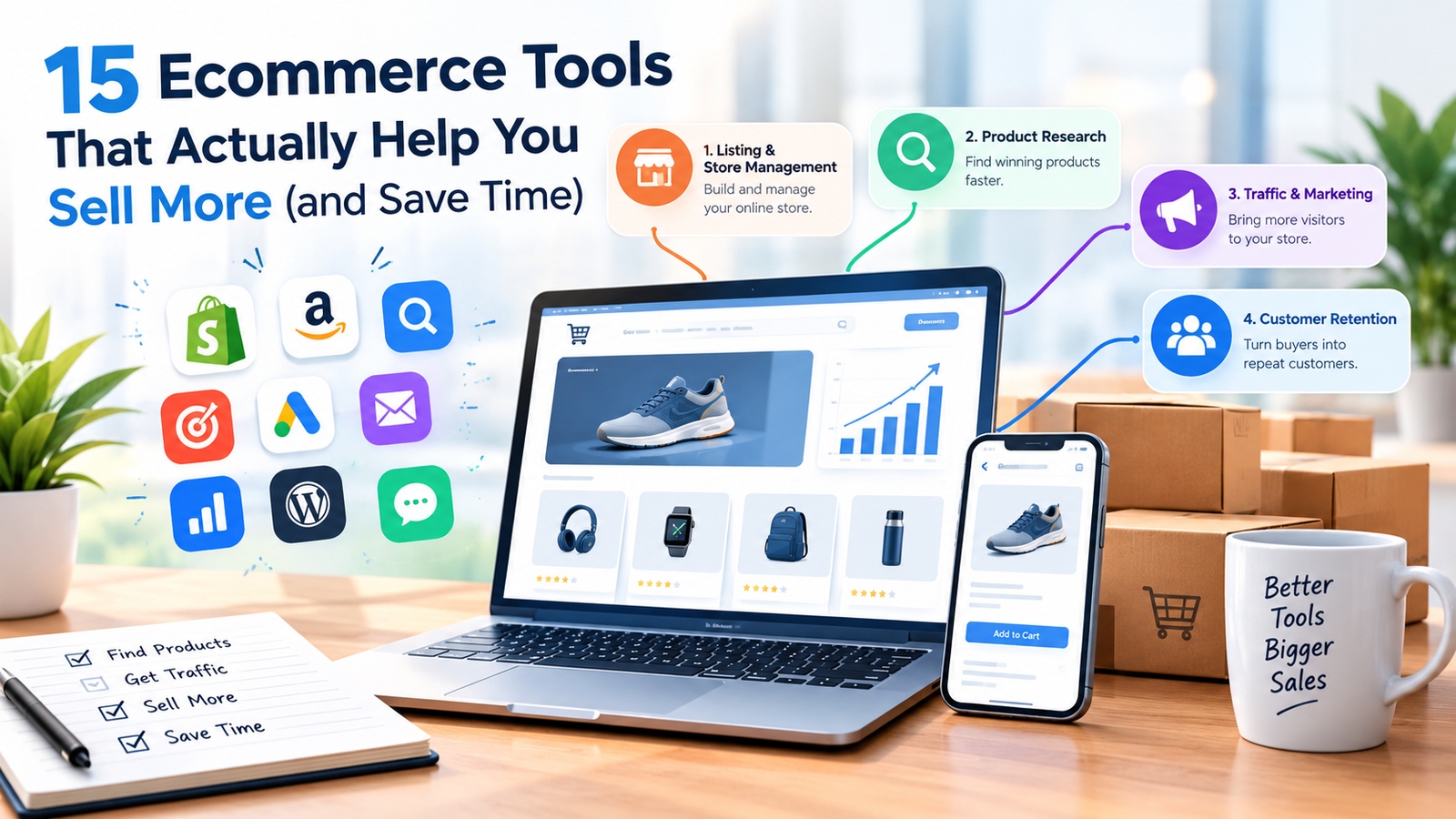
The truth is you don’t need 30 tools. You need a handful that cover the basics: a place to sell, a way to find products, a way to get traffic, and a way to keep customers coming back. Here’s what’s worth your time, grouped by job.
1. Tools to Build Your Store
Shopify is the easiest way to launch a store. Hosting, checkout, security, and themes are all handled for you. The catch is cost: plans start at roughly $30-40 a month, plus app fees and transaction fees if you don’t use Shopify Payments. It’s best for beginners who want to move fast.
WooCommerce is a free, open-source plugin that turns a WordPress site into a store. You pay only for hosting, a domain, and any paid extensions. It takes more setup than Shopify, but you own everything and there are no platform fees. It’s a good fit if you already like WordPress and care about SEO.
Etsy and Amazon aren’t tools in the strict sense, but they come with built-in traffic. For a first product, selling where buyers already are is often faster than building a store and hoping people find it.
2. Tools to Find Winning Products
Helium 10 and Jungle Scout are the two big names for Amazon sellers. They estimate sales, track competitors, and show keyword demand. Both are paid, with free or limited tiers. Use one, not both.
Google Trends is free and underrated. It shows whether a product is growing, dying, or only popular at Christmas.
Amazon Best Sellers and “Movers & Shakers” are free lists showing what’s selling right now. Spend 20 minutes a week browsing them.
Example: You notice “reusable silicone food bags” climbing steadily on Google Trends, and Amazon reviews complain that most bags leak. That’s your gap: a better-sealed version.
3. Tools for Dropshipping and Print on Demand
DSers connects your store to AliExpress suppliers and automates order forwarding. It replaced Oberlo, which shut down in 2022.
Printful and Printify handle print-on-demand: t-shirts, mugs, posters. You upload a design, they print and ship it. Margins are thinner than owning stock, but you risk no inventory.
A tip from experience: dropshipping looks easy and is highly competitive. Shipping times and product quality will make or break your reviews, so order samples before you sell anything.
4. Tools for Traffic and SEO
Google Merchant Center lets you list products in Google Shopping, and free listings are available. Most small sellers ignore it, so there’s less competition than you’d expect.
Google Search Console and Google Analytics are both free and show what people search to find you and what they do on your site. Set them up on day one.
Ahrefs and Semrush are powerful, paid SEO tools. They’re worth it once you have revenue. For starting out, Ubersuggest or Google’s own autocomplete suggestions will do.
Pinterest is free and underused for physical products, especially in home decor, fashion, wedding, and DIY niches. Pins can keep sending traffic for months.
5. Tools for Design and Content
Canva has a generous free plan and covers product images, social posts, and simple logos. For most beginners it’s all the design software you need.
ChatGPT or Claude can draft product descriptions, email sequences, FAQs, and ad copy. Always edit the result. Add real details, such as materials, sizing, and who the product is for. Shoppers can tell when a description is generic.
6. Tools to Keep Customers Coming Back
Klaviyo is the leading email and SMS platform for online stores, with a free plan for small lists. Mailchimp and MailerLite are simpler alternatives.
Set up these three automated emails first:
- Welcome email for new subscribers.
- Abandoned cart email to catch people who left.
- Post-purchase email asking for a review.
Abandoned cart emails are often one of the highest-return things you can set up, because they reach people who already wanted to buy.
Judge.me and similar review apps collect and display customer reviews. Reviews are one of the strongest trust signals you have, especially for a new store.
7. Tools to Save Time
Zapier (or the free Make alternative) connects your apps. For example, it can add every new order to a Google Sheet or send you a Slack message when stock runs low.
Google Sheets is still the best free way to track products, costs, and profit.
What I’d Use If I Were Starting Today
On a small budget, I’d go with:
- Store: Shopify (easiest) or WooCommerce (cheapest long-term)
- Research: Google Trends plus Amazon Best Sellers (free)
- Design: Canva (free)
- Copy: an AI assistant, edited by hand
- Email: Klaviyo or MailerLite (free tiers)
- Traffic: SEO, Pinterest, and Google Merchant Center
That stack costs very little to start, and you can upgrade to paid research and SEO tools once sales justify it.
Final Thoughts
Tools don’t make a store successful. A product people want, an honest listing, and consistent effort do. Pick a few tools, learn them well, and spend the rest of your time on what actually brings in sales: better products, better photos, and getting in front of more buyers.